
Brand inside the OS
Bring your approved brand name, voice, audience, and offer into the WafflOS workspace.
02 · ActivationWafflOS Launchpad
From empty workspace to operating baseline.
Launchpad configures your brand, working day, operating signals, and cadence so your team starts with a usable system instead of an empty workspace.
Launchpad removes the empty-workspace problem. You bring the decisions and access, and Waffl configures the core system you will keep using.
Inside WafflOS
The service layer is connected to the same WafflOS workspace used to create, review, and continue the work.
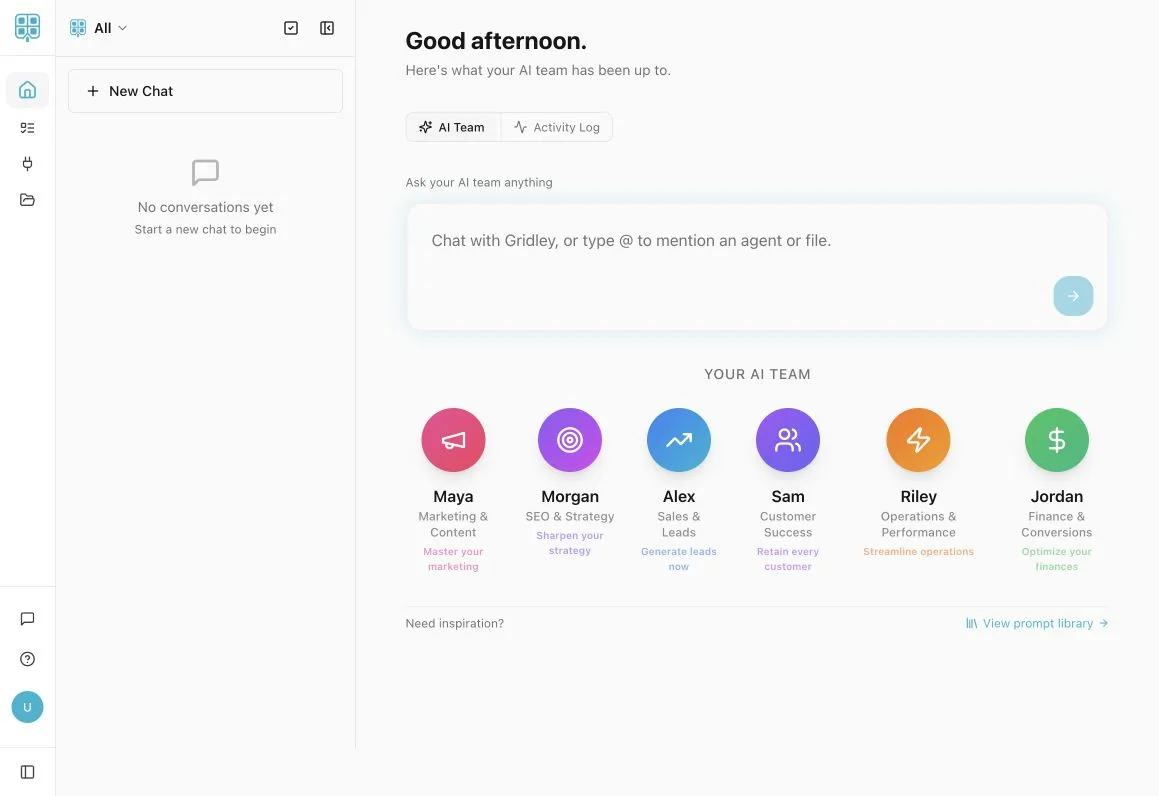
Launchpad focuses on the parts of WafflOS that shape how your business starts and reviews the day.
Bring your approved brand name, voice, audience, and offer into the WafflOS workspace.
Shape the standard schedule around the way your workday actually runs.
Choose the available social, lead, close-rate, and follower views worth reviewing consistently.
Set the working rhythm that helps the workspace move through the agreed schedule.
A useful setup depends on clear decisions and timely access to the systems included in the work.
Provide the current logo, colors, audience, offer, and a short voice reference.
Share the workday, recurring responsibilities, and the points where work currently gets lost.
Choose the available signals that matter enough to review consistently.
Connect only the accounts needed for the agreed configuration. Never place passwords in booking notes.
Start or confirm the active subscription and make sure Launchpad is the right level of help.
Provide the approved brand, schedule, dashboard, and working-rhythm decisions.
Waffl applies the focused setup without expanding the work into a custom systems project.
Review the configured workspace, confirm the agreed items, and leave with a system ready to use.
A clear agreement
Common questions
Yes. Launchpad configures your WafflOS workspace, so the $175-per-month subscription stays active before, during, and after setup.
No. It is a focused setup package. If the business needs continuing operating leadership, hands-on implementation, and quarterly outcomes after setup, Fractional COO is the next level.
Timing depends on readiness, access, and how quickly the required decisions are supplied. The start and review schedule is confirmed before work begins.
Your configured workspace remains on the active WafflOS subscription. Custom changes or broader operational work can be scoped separately.